Diagrams,
as you write.
Mermaid diagrams render in your notes. Open the full view to keep the code beside the diagram.

Open a folder of notes. Switch between rich text and Markdown.
Download for Windows or Linux Windows and Linux. Open source, MIT licensed.

Mermaid diagrams render in your notes. Open the full view to keep the code beside the diagram.
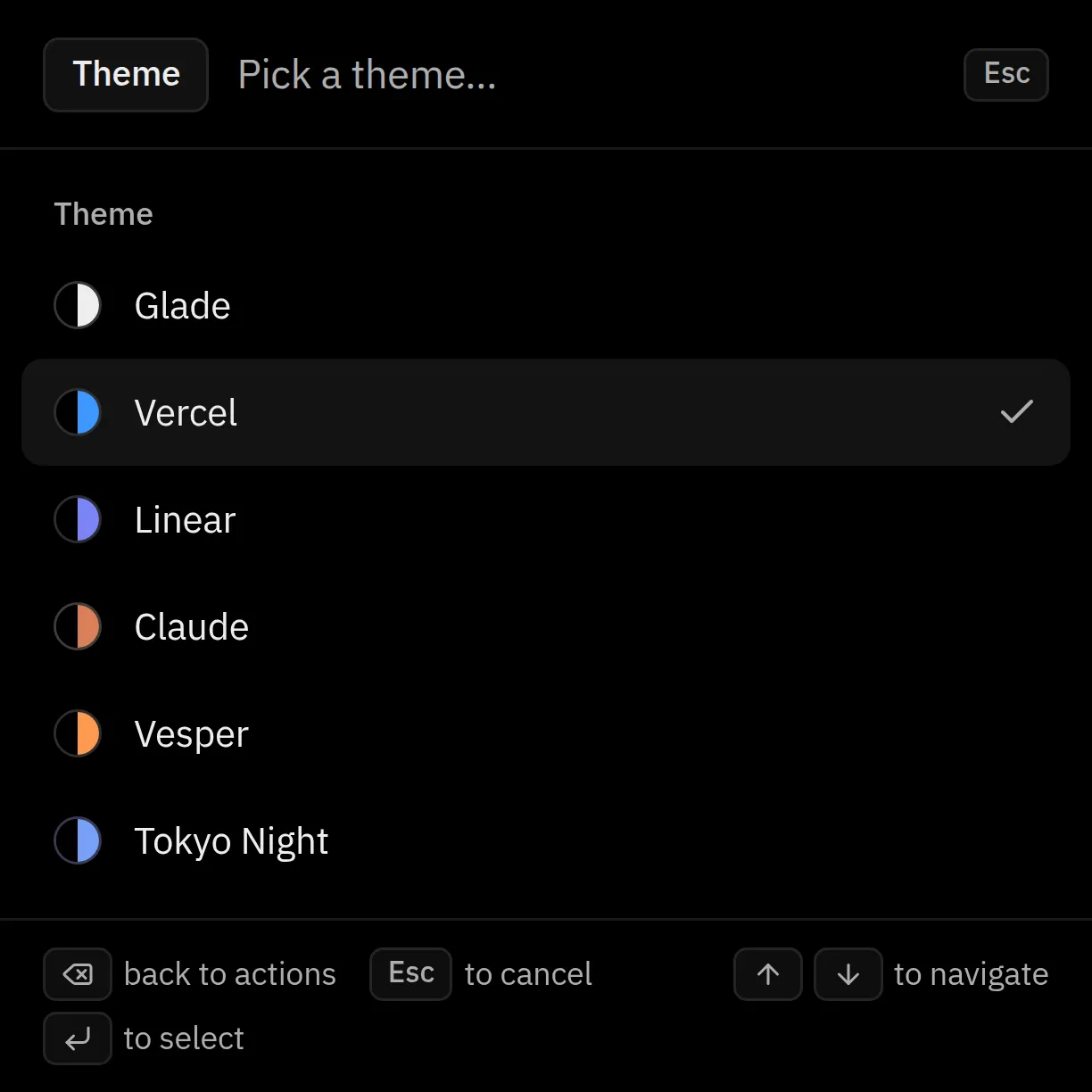
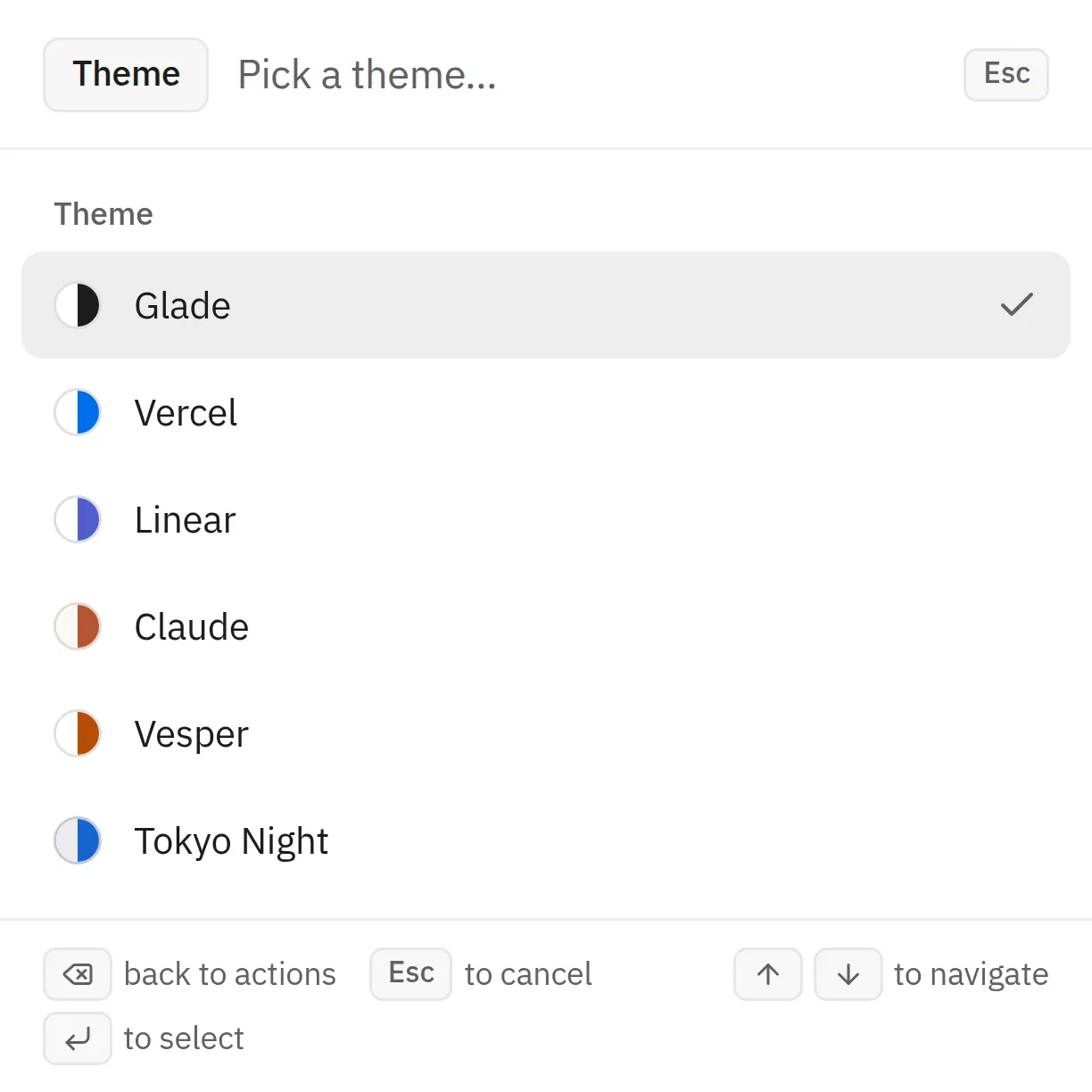
Pick a theme from the palette. Moving through the list previews it in the app.
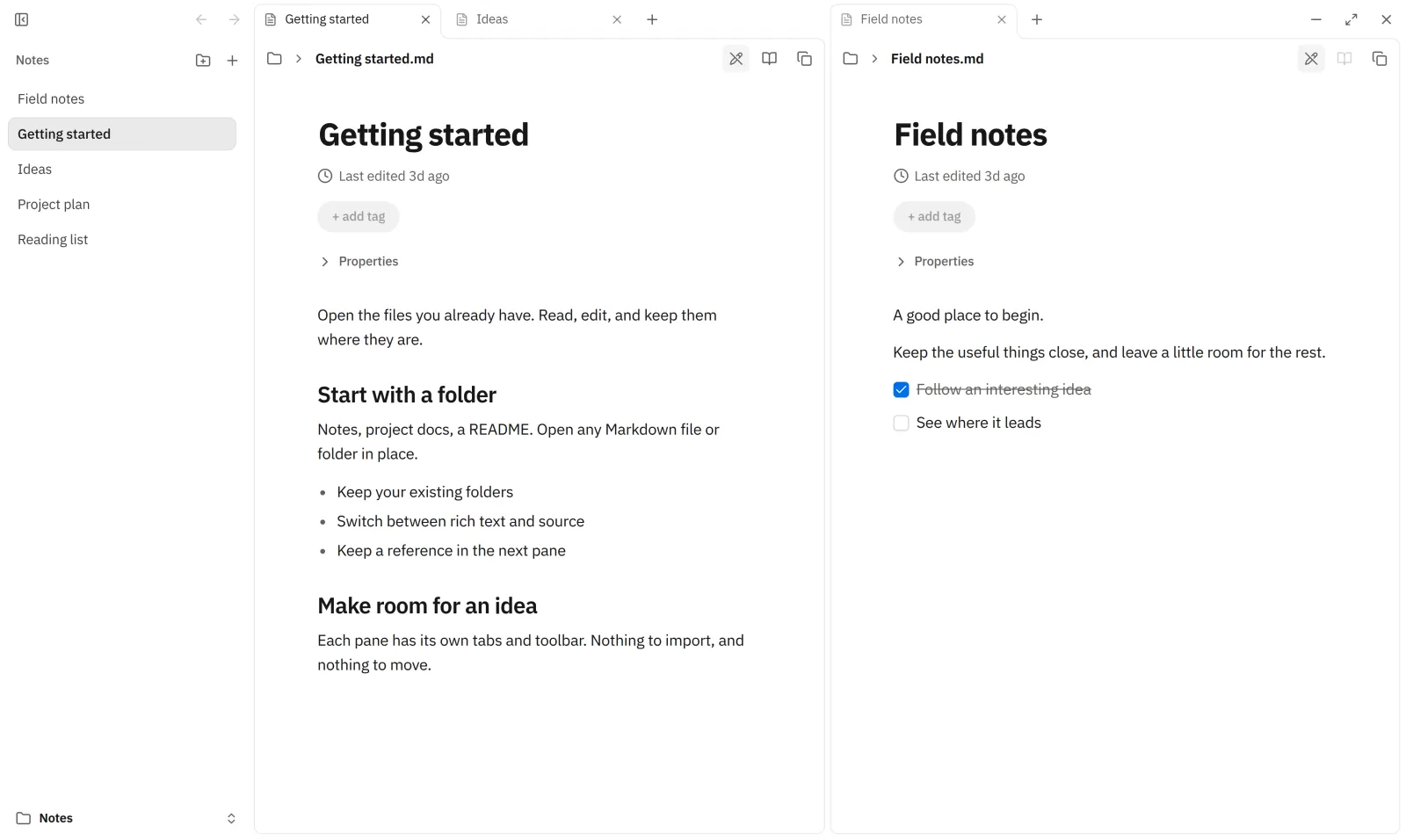
Type @ to link a note. See where a note is referenced in its Linked from section.

Jump to a note, split a pane, or run an action from the same palette.

Choose a folder of Markdown files from the app, or open one from your terminal.
glade ~/notes 
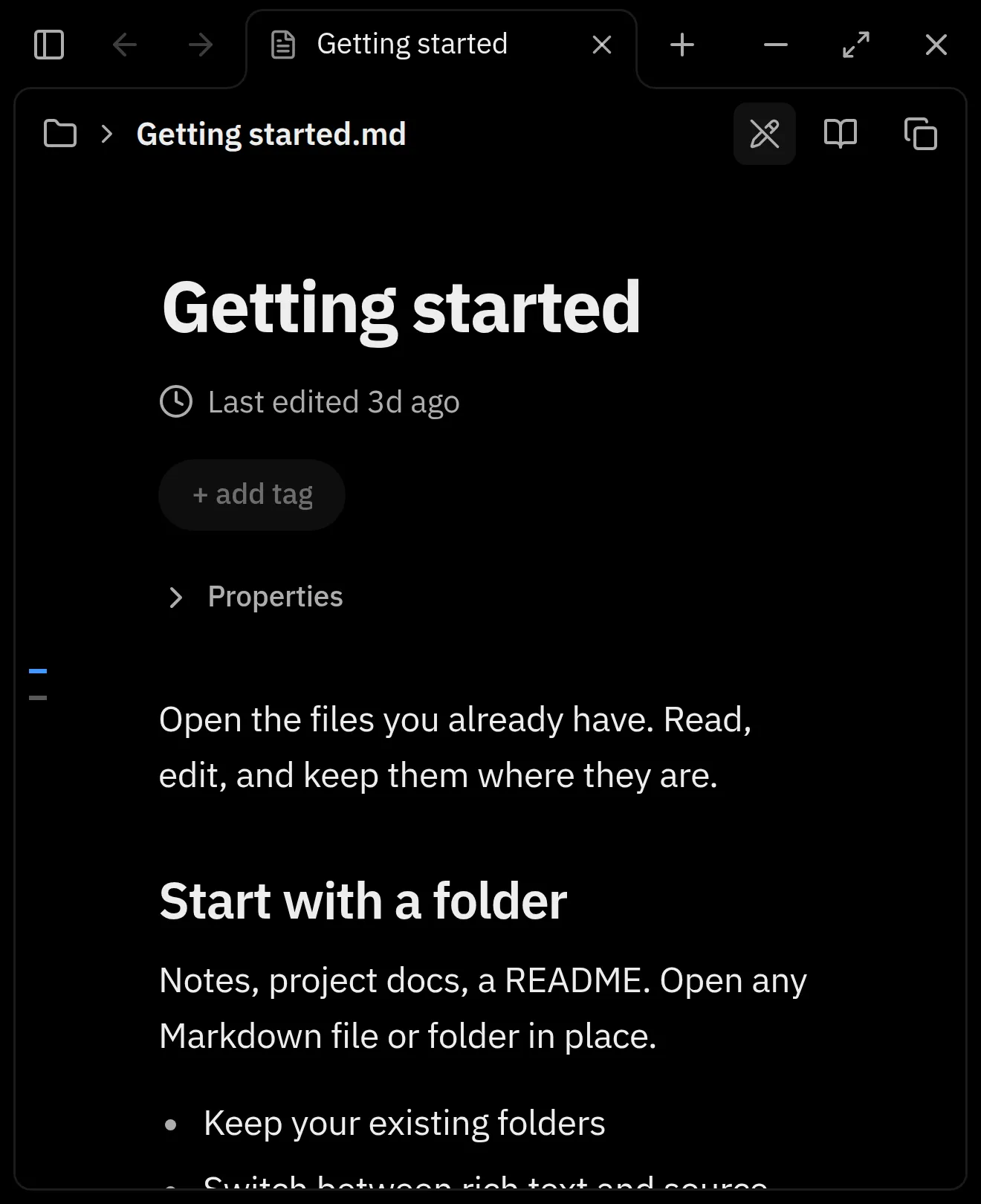
Pick a note and start writing. Format text, add links, and check off tasks in the editor.

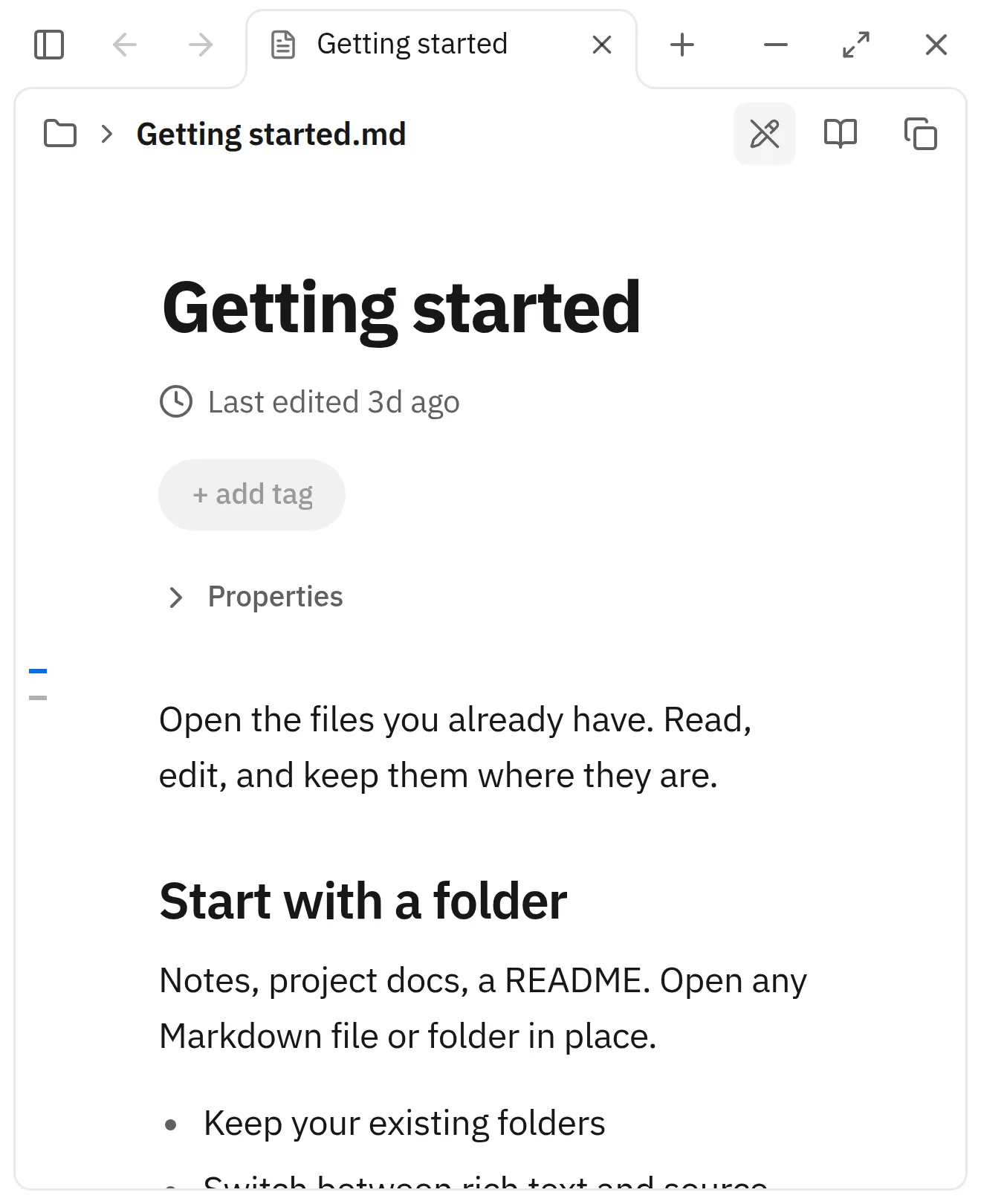
Switch to source to see the same file as Markdown. Only the blocks you edit are rewritten; the rest stays as it was.

Only the blocks you edit. Everything else is written back exactly as it was, and frontmatter edits touch only the lines you change. Glade never adds IDs, timestamps or hidden folders to your notes. Its own state, like recent folders and pins, lives in the app data directory.
Yes. Glade watches the files and reloads them when something else changes them. If you have unsaved edits at that moment, you choose between your version and the one on disk.
Glade stays out of it. Use Git, Syncthing or a cloud folder as you do today, and whatever those tools change shows up in Glade.
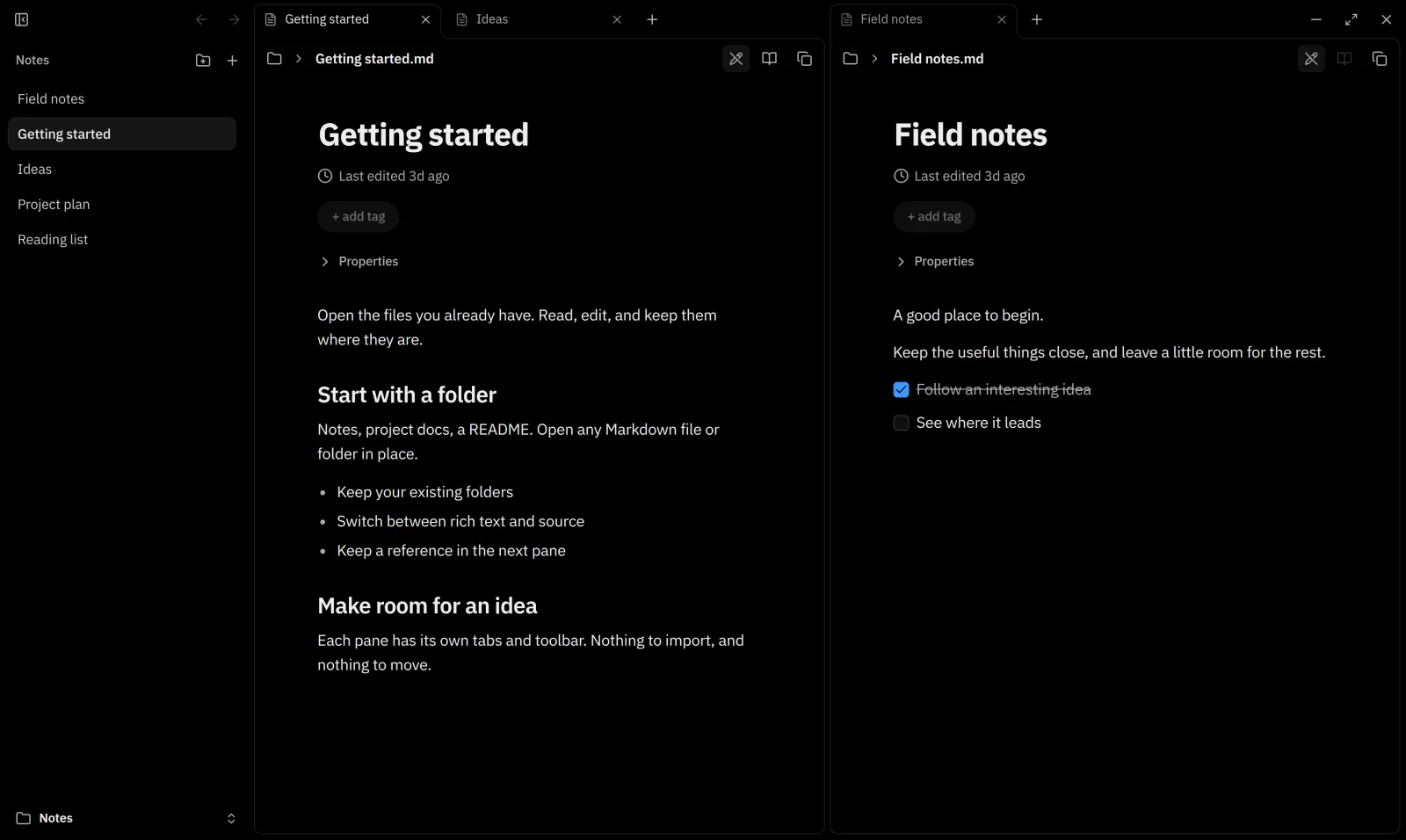
Diagrams with Mermaid, tables, task lists, tags, properties from frontmatter, backlinks between notes, a table of contents, and find and replace. Open two notes side by side in split panes, each with its own tabs.
Download the Windows installer or the Linux AppImage from the Download button. On Linux you can also run the one-line install command shown there. Glade updates itself when a new release is out. The Windows installer is not code-signed, so Windows asks you to confirm: choose More info, then Run anyway. You can also build it from source from the repository.
Download it, then point it at a folder of notes.
curl -fsSL https://raw.githubusercontent.com/styltsou/glade/main/scripts/install.sh | shWindows installer and Linux AppImage. Windows will show an unknown publisher warning: choose More info, then Run anyway.